
If you’re trying to buy a laptop for finite element analysis, but you have no idea which specs actually matter, you’re not alone. This is one of the most confusing decisions for students and engineers getting into Abaqus, ANSYS, or simulation work.
Most people end up wasting money on the wrong machine. They either overspend on hardware they don’t need, or worse, they buy a laptop that struggles the moment they run a real simulation. Best Laptop for FEA
In this guide, I’m going to break things down clearly and show you what actually matters when choosing the best laptop for FEA, and then walk you through five solid options that cover everything from budget setups to high-end simulation work.
🎥 Watch the Full Laptop Breakdown
Before going deeper, you can follow everything visually in the full video where I compare each laptop for FEA in detail:
Table of Contents
⚠️ The Biggest Mistake People Make When Buying a Laptop for FEA
Let’s get something straight immediately, because this is where most people go wrong.
When people think about buying a laptop for Abaqus or ANSYS, they assume they need a powerful GPU. They start looking at RTX cards, gaming specs, and end up spending thousands of dollars on graphics performance they barely use. Best Laptop for FEA
The reality is very different. Best Laptop for FEA
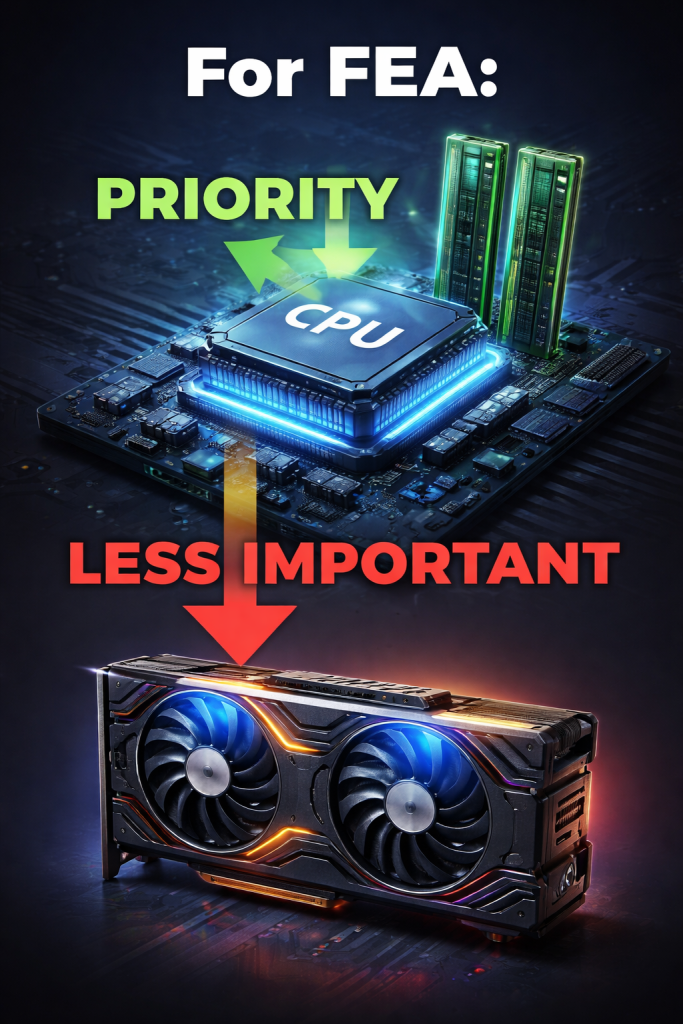
For finite element analysis, the GPU is mostly responsible for visual tasks like rotating your model or displaying results. The actual heavy work — the solving, the matrix calculations, the convergence — all of that happens on the CPU and is supported by your RAM.
That means if you really want the best laptop for FEA, you should prioritize a strong processor, high clock speeds, enough cores, and at least 16 GB of RAM. Ideally, you want 32 GB if you’re planning to run larger simulations. Best Laptop for FEA
Cooling also plays a huge role. A powerful CPU is useless if the laptop overheats and throttles during a long simulation. That’s why thicker laptops with proper thermal design often outperform thinner “premium” devices in real FEA workloads.
🧠 What You Actually Need for Smooth FEA Performance
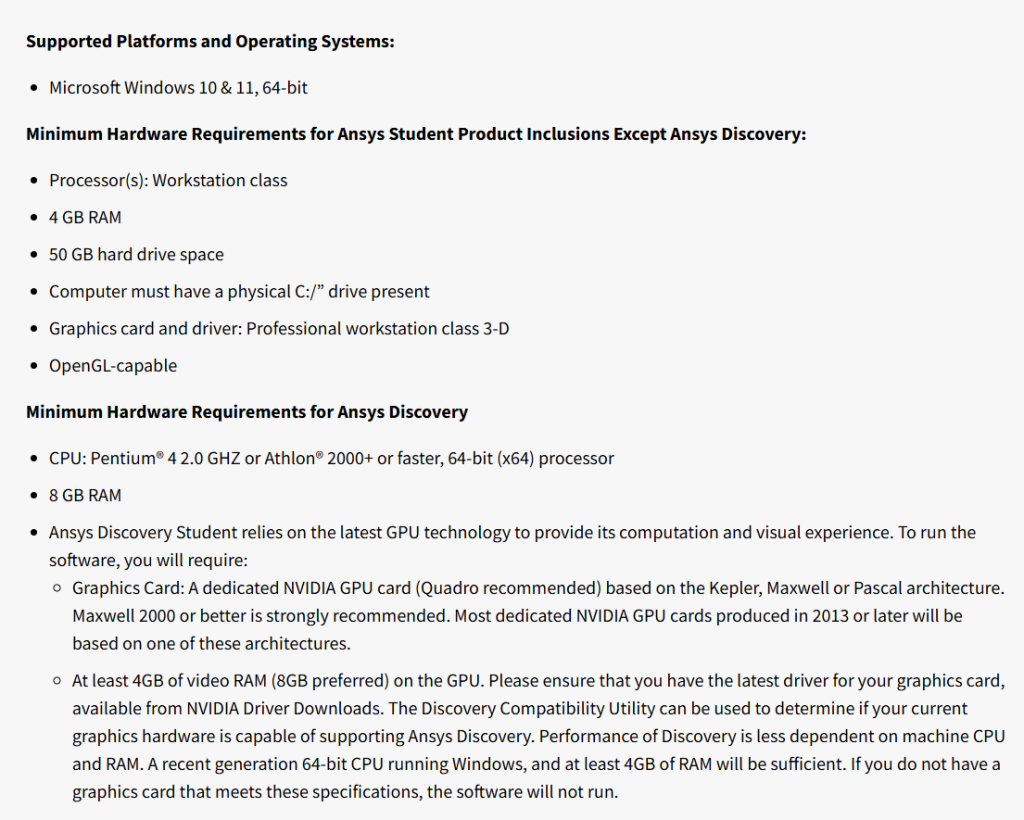
If you look at the official requirements for ANSYS Student, they’ll tell you that 4 GB or 8 GB of RAM is enough. Technically, that’s true — the software will run.
But running is not the same as working efficiently. Best Laptop for FEA
In practice, if you want a smooth experience with finite element analysis, you should treat 16 GB of RAM as the absolute minimum. Anything below that will quickly become frustrating, especially when dealing with larger meshes or multiple simulations.
The same applies to CPUs. A modern i7, i9, or Ryzen 7/9 will make a noticeable difference in how fast your simulations solve. This is where your time is saved or wasted. Best Laptop for FEA
🏆 Best Laptops for FEA in 2026
Now that you understand what actually matters, let’s go through some of the best options for a laptop for FEA, based on real-world performance and value. Best Laptop for FEA
💻 ASUS Vivobook S16 Flip – A Solid Entry Point for FEA
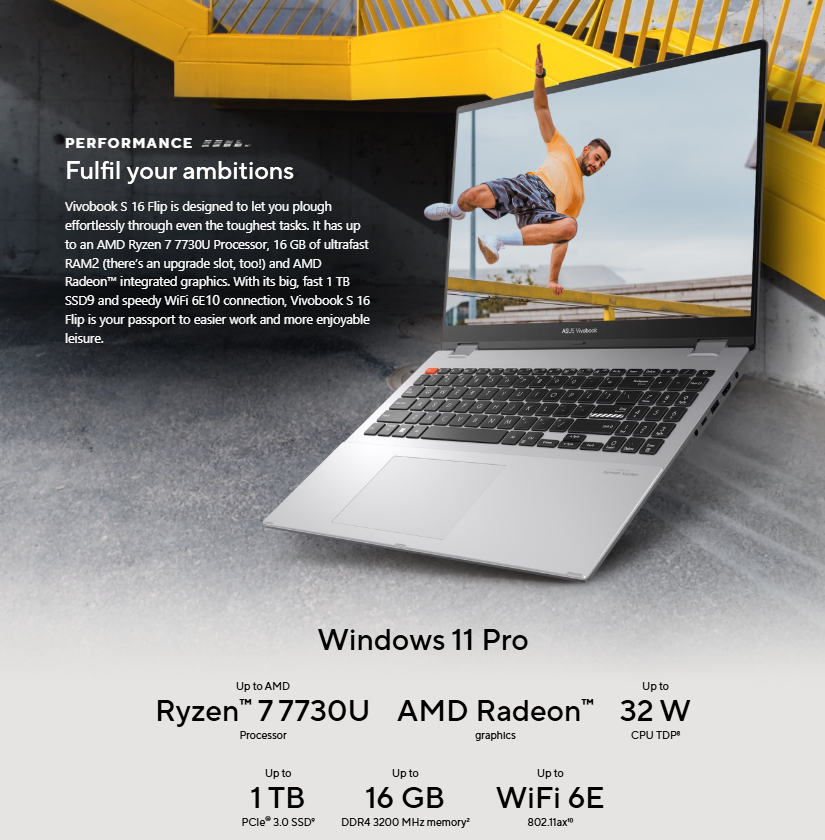
If you’re just getting started with Abaqus or ANSYS, the ASUS Vivobook S16 Flip is a surprisingly capable machine. It’s affordable, practical, and more powerful than most people expect at this price range.
With options going up to an Intel Core i9 and 16 GB of RAM, it can handle day-to-day simulation tasks without issues. It’s not designed for extremely large models, but for light to moderate finite element analysis, it gets the job done reliably.
This is the kind of laptop you can use throughout your studies without feeling limited, as long as your simulations stay within a reasonable size. Check the product here.
💻 Acer Predator Helios Neo 16 – Stepping Into Real Power
Once you move beyond basic simulations, you start needing more headroom. That’s where the Acer Predator Helios Neo 16 comes in.
This machine gives you stronger CPU options, more RAM capacity, and significantly better cooling. All of this translates directly into better performance in FEA simulations.
It’s the kind of laptop that handles moderate to heavy workloads comfortably, without slowing down or overheating. If you’re serious about simulation work, this is where things start to feel smooth. Check the product here.

💻 Lenovo Legion Pro 5 gen 10 (16″ AMD) – The Sweet Spot for Performance
The Lenovo Legion Pro 5 is probably one of the best-balanced laptops you can get for finite element analysis.
What makes it stand out is the combination of a powerful AMD Ryzen 9 processor and excellent thermal performance. Unlike many laptops, it stays relatively quiet even under load, which is a big deal when you’re running long simulations.
This laptop is ideal for heavier FEA workloads, especially if you’re working with larger meshes or more complex models. It gives you strong performance without pushing you into workstation-level pricing. Check the product here.

💻 Lenovo ThinkPad P16 Gen 2 – Workstation-Level Performance
If your work involves very large simulations, with hundreds of thousands or even millions of elements, you’re no longer in regular laptop territory.
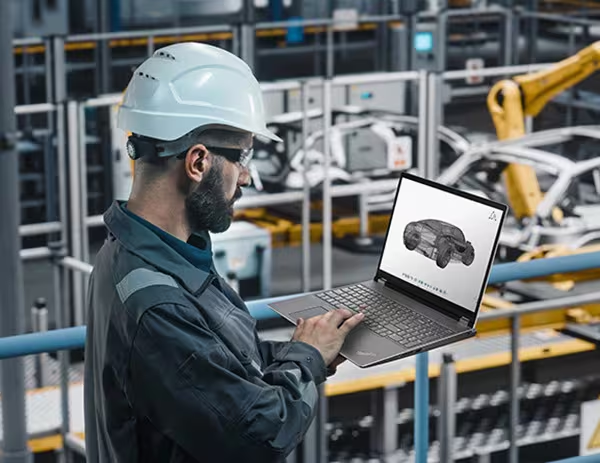
The ThinkPad P16 Gen 2 is closer to a mobile workstation. It’s built for professionals who need reliability and consistent performance under heavy computational loads.
It’s expensive, no question about that, but if your workflow depends on running complex simulations efficiently, this level of hardware becomes necessary. Check the product here.
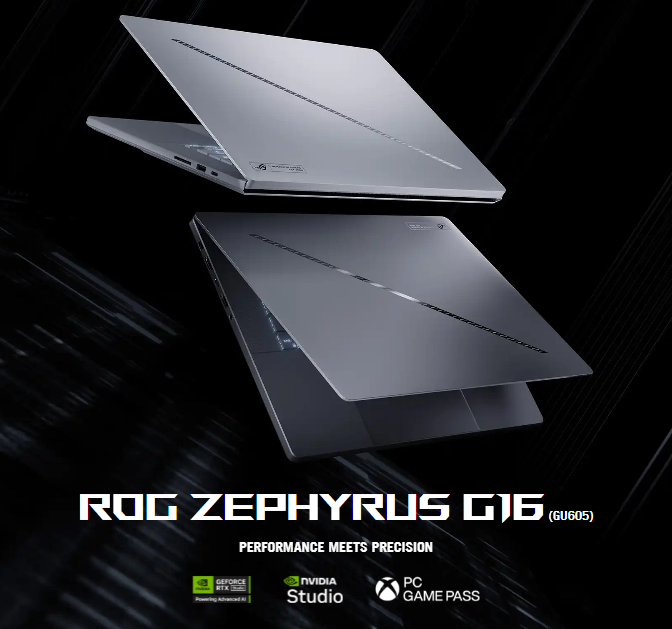
💻 ASUS ROG Zephyrus G16 – High-End Power With Flexibility
The ASUS ROG G16 sits somewhere between a gaming laptop and a high-performance workstation.
It offers strong CPU performance, excellent cooling, and the added benefit of a powerful GPU. While the GPU is not critical for FEA, it can be useful for visualization, rendering, or other engineering workflows.
This makes it a great option if you want one machine that can handle finite element analysis and everything else you throw at it. Check the product here.
📊 Which Laptop Should You Actually Choose?
At the end of the day, the best laptop for FEA depends on your workload.
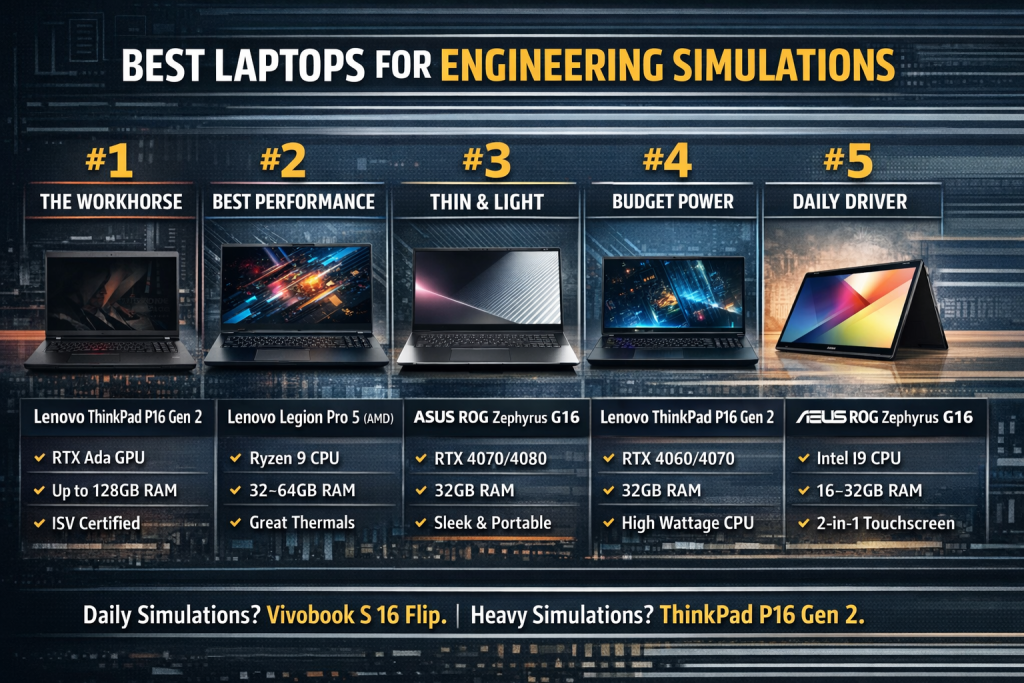
If you’re just starting out or working on smaller academic projects, you don’t need to overspend. A machine like the Vivobook will do the job.
As your simulations grow in size and complexity, you’ll start to feel the limitations. That’s when moving to something like the Legion Pro 5 or Predator makes sense.
And if you’re dealing with very large models regularly, then investing in a workstation-level laptop like the ThinkPad becomes justified.
🔥 Final Thoughts
Choosing the right laptop for finite element analysis is not about buying the most expensive machine. It’s about understanding how FEA actually works and matching your hardware to your needs.
If you focus on CPU performance, enough RAM, and proper cooling, you’ll avoid 90% of the problems people face when running simulations.
🚀 Don’t Miss the Full Comparison
If you want to see how these laptops compare in real scenarios and which one is right for you, make sure to watch the full video above.
That’s where everything comes together.
If you want to learn FEA check this post.
