
fusion 360 download and install
If you’ve been trying to download Fusion 360 but keep getting lost between free trials, Autodesk accounts, login loops, or confusing setup pages, you’re not alone. The Fusion 360 download process looks simple on paper, but Autodesk spreads everything across multiple sections, which makes it easy to click the wrong link. In this tutorial, I’ll walk you through the entire Fusion 360 installation step by step and show you exactly how to download it totally free using the official personal-use license. By the end of this guide, you’ll have Fusion 360 fully installed, activated, and ready to create your first 3D model. Let’s get started. fusion 360 download and install
Table of Contents
Finding the Correct Fusion 360 Download Page
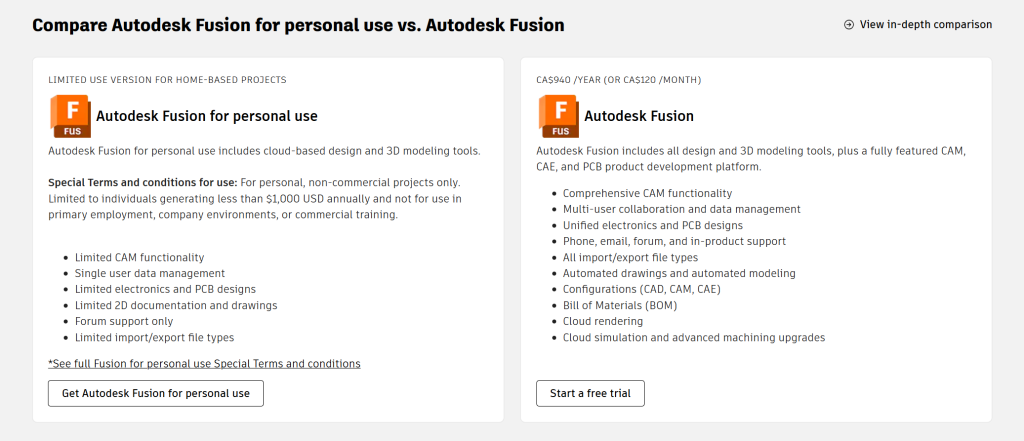
The first step is to go for “Autodesk Fusion 360 for personal use.” This is important because Autodesk provides two different access paths: the 30-day full trial and the limited personal-use version with no expiration. Many users accidentally download the trial and think Fusion 360 isn’t free, but the personal license works completely differently.
Click on the official Autodesk link that appears in the search results. On this page, Autodesk shows both versions. The free trial gives you the full commercial software for 30 days, while the personal-use version gives you unlimited access with restrictions suitable for hobbyists, makers, home users, and students who are not using the software for commercial work.
Before we install the free personal-use version, let’s quickly walk through the trial option so you know the difference. fusion 360 download and install
Downloading the 30-Day Fusion 360 Trial
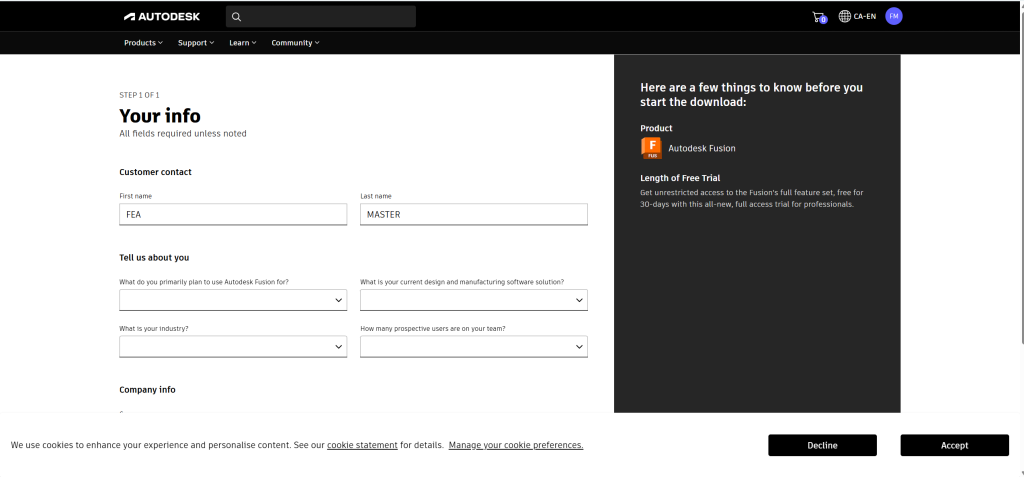
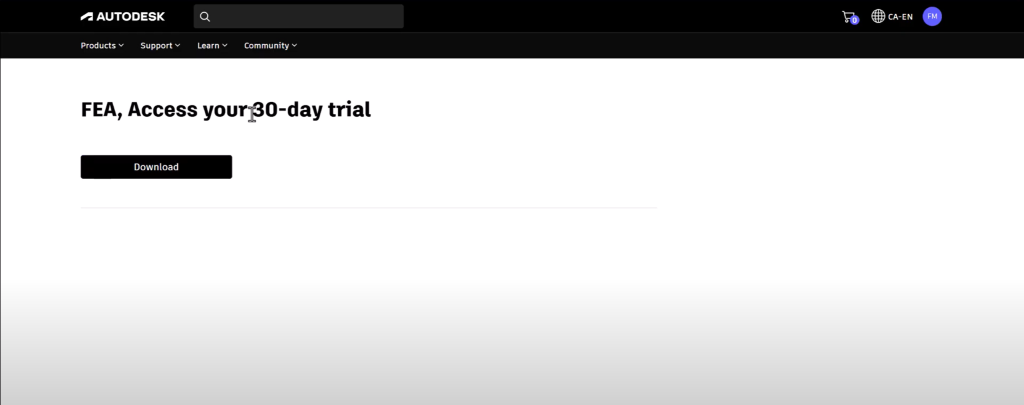
On the main page, click “Try for free.” Autodesk will ask you to create an account if you don’t already have one. Enter your email, click Continue, and then fill in the customer information such as your first name, last name, and company details. Once you submit the form, Autodesk provides a direct download link for the trial installer. fusion 360 download and install
This version works perfectly but expires after 30 days. Once it expires, Fusion 360 locks most features unless you switch to a paid subscription. That’s why most people want the personal-use alternative. fusion 360 download and install
Downloading the Free Fusion 360 Personal Use Version
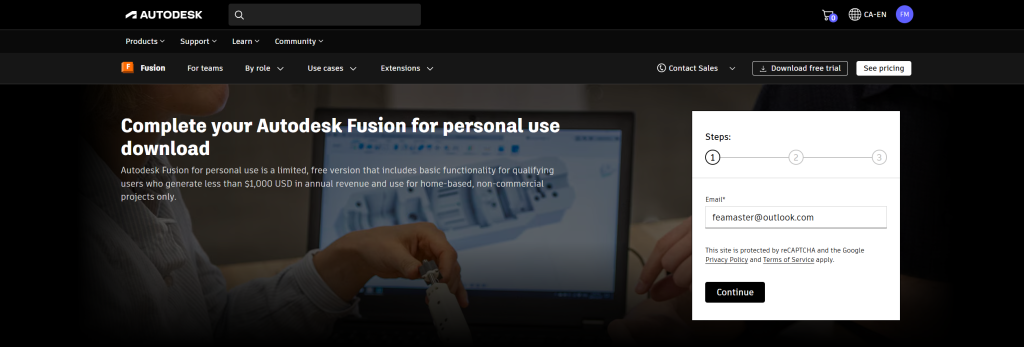
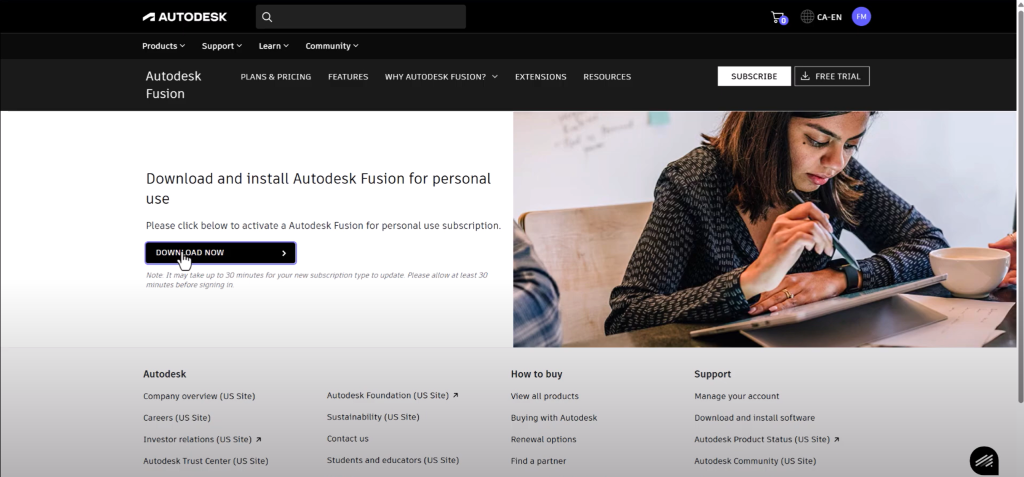
To access the free license, scroll down on the Autodesk website until you see the “Fusion 360 for personal use” section. Click “Get started.” Again, Autodesk will ask for your first name, last name, email address, and a few additional details. Complete this form and click Submit.
After registration, Autodesk immediately provides the download link for the personal-use installer. Unlike the trial version, this download does not expire. You’ll always be able to reinstall it without worrying about the 30-day window. fusion 360 download and install
Click “Download now,” save the installer, and let it finish. The file itself is small—only around 13 MB—because it uses a client-based downloader to fetch the full software afterward. fusion 360 download and install
Installing Fusion 360 Using the Autodesk Client Downloader
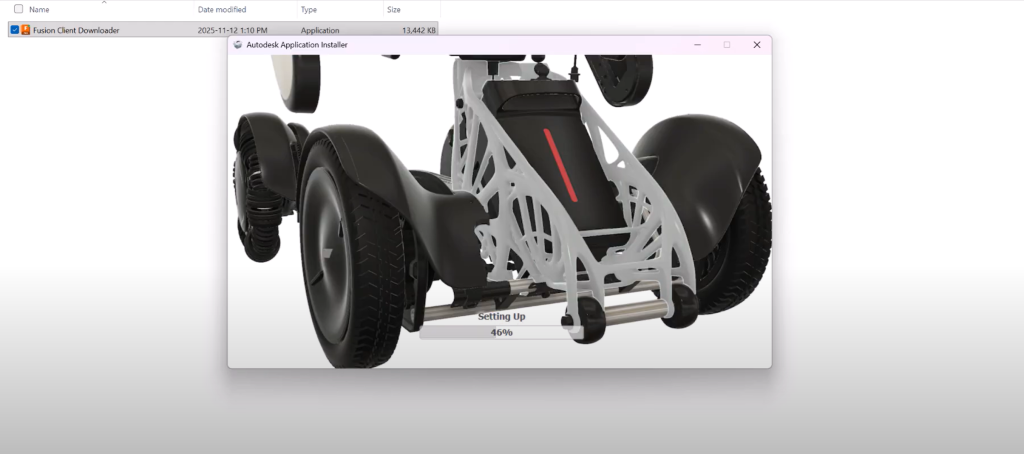
Once the installer finishes downloading, double-click it. Fusion 360 uses Autodesk’s cloud installer, so the main application files will begin downloading automatically. The installer will then prompt you to sign in again. Enter your email, continue, enter your password, and verify your login through the security code Autodesk sends to your email. fusion 360 download and install
After entering the code, Autodesk may display an option to “Trust this device.” Once confirmed, you’ll arrive at the setup screen. Click Continue, choose your settings, and let Fusion finalize the installation. Depending on your internet speed, this may take a few minutes.
When installation is complete, click “Open Product” to launch Fusion 360 for the first time. The Autodesk Manager may appear briefly as Fusion configures your user profile. Enter your name, complete the short setup form, and Fusion will automatically load your workspace.
Launching Fusion 360 for the First Time
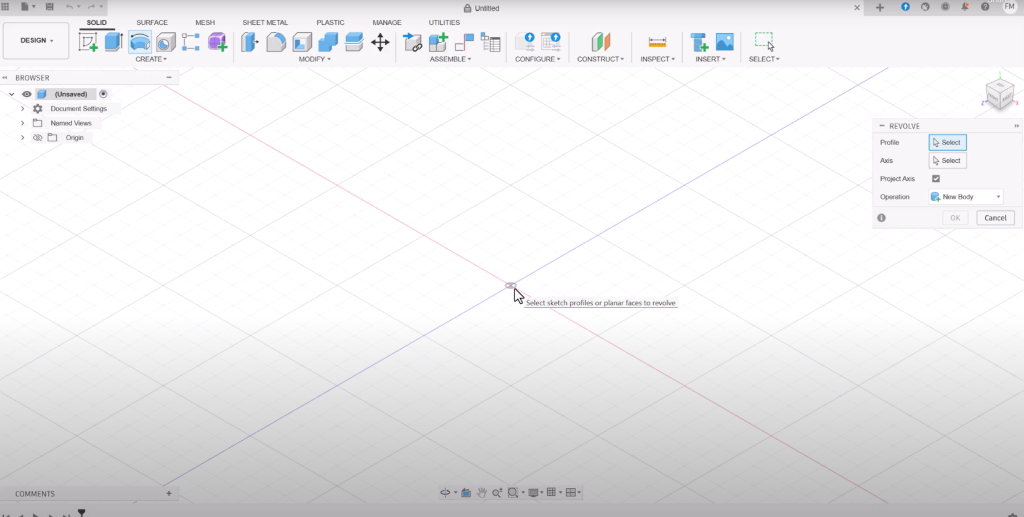
After the final load sequence, Fusion 360 opens and shows your cloud-based project hub. At this point, the personal-use license is active. You can create sketches, build 3D models, run basic assemblies, and explore most of the interface without limitations. However, you will see a “Not for Commercial Use” label at the top, indicating the license type. This is completely normal and expected.
As long as your usage is non-commercial, you’re free to continue using Fusion 360 indefinitely. fusion 360 download and install
Final Thoughts
And that’s it — you’ve successfully downloaded and installed Autodesk Fusion 360 for free. You now have access to one of the most versatile CAD tools available today, whether you’re experimenting with 3D modeling, prototyping a project, or learning design fundamentals.
If you’re interested in simulation, you can continue your journey by installing Abaqus 2025 or learning how to run FEA models. Click on this link and I’ll see you in the next tutorial. fusion 360 download and install
